Bleach: Soul Resonance
Reroll Guide & Tier List
Strategic roadmap for the perfect start
Introduction to Rerolling
Getting the best possible start in Bleach: Soul Resonance can significantly impact your early game progression. This guide covers the three main methods for rerolling and what characters you should be aiming for to secure a strong account.
Note: Always start in "Guest" mode to perform quick rerolls before linking your account.
Method 1: Delete Account (Emulator & Mobile)
SLOWEST METHOD - NOT RECOMMENDED
This method has a 30-day deletion restriction, making it unsuitable for quick rerolling.
If you still wish to proceed or need to clear an old account:
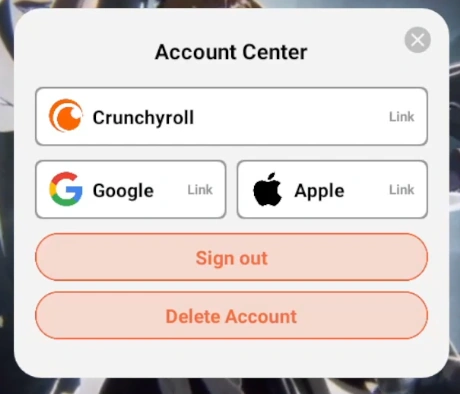
- From the home screen, tap the "User" section to open the "Account Center" menu.
- Select "Delete account" or "Clear account".
- Confirm the action.
 Account Center Access
 Clear Account Option
Method 2: Multiple Instances & Temp Mail (Emulator Only)
FASTEST METHOD FOR EMULATORS
Recommended for LDPlayer or MuMu Player users. This allows you to reroll multiple accounts simultaneously.
- Download the game on your emulator and download all resources. DO NOT START THE GAME YET. Close the instance once at the login screen.
- Open your emulator's Multi-Instance Manager.
- Clone the main instance 4 times (total 5 instances is recommended).
- Start 4 of the copied instances.
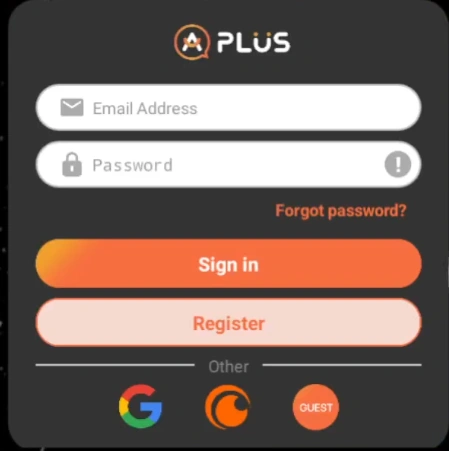
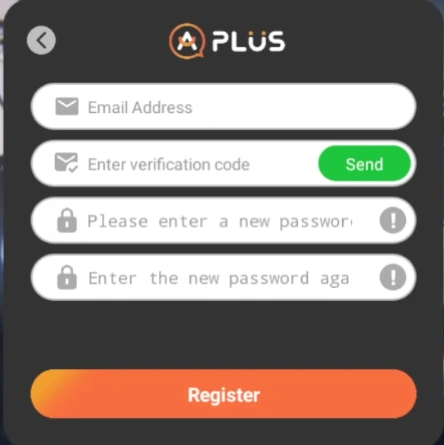
- In the game, click the Register button to create accounts using temporary emails.
- Play through the tutorial on all instances simultaneously using the "Sync" feature if available.
- If you don't get the desired characters, close the instances, delete them, and re-clone from your main instance to repeat.
- Once satisfied, link the successful account to a permanent email/social login and delete the other instances.
 Registration Menu
 Fill with Temporary Email
Method 3: Clear Storage (Mobile & Emulator)
STANDARD METHOD
The most common method for mobile users who don't want to re-download huge data files (depending on device implementation).
- Login as Guest and complete the tutorial/summons.
- If unsatisfied, close the game completely.
- Go to your device's Settings > Apps > Bleach: Soul Resonance.
- Select Storage.
- Tap Clear Data/Storage.
- Restart the game. You will need to re-download some data, but your guest account will be reset.
What to Aim For: The Best Reroll
THE GOLDEN START
Your goal is to secure a top-tier DPS early to carry you through content effortlessly.
Step-by-Step Strategy:
- Reach Stage 1-7: This unlocks summons and mail. Collect all pre-registration and launch rewards from your mail.
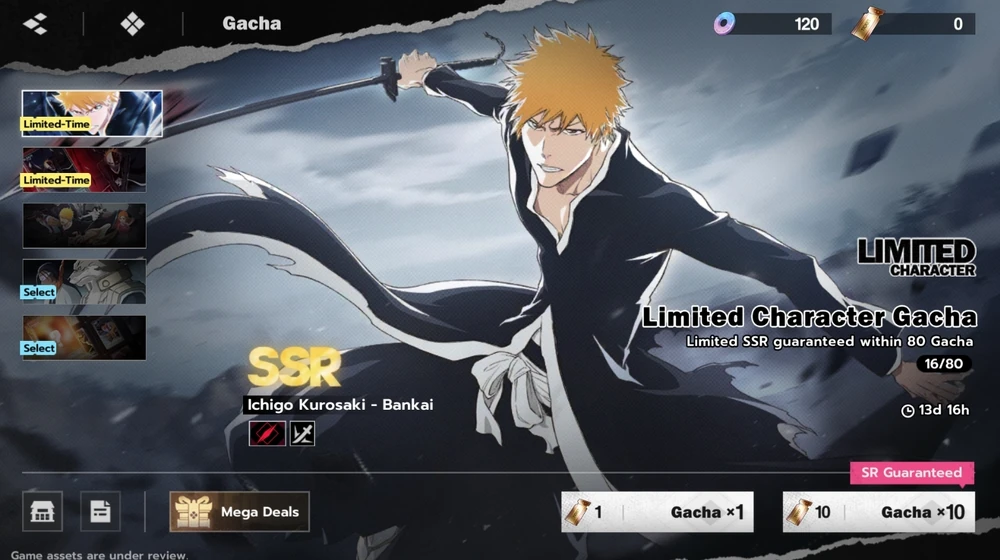
- Promotional Banner: Spend your Jades/Crystals on the Ichigo (Bankai) promotional banner. He is your top priority.
- Permanent Banner: Use your standard summon tickets (you should have ~20) on the Permanent Banner. This banner has an initial 50-pull pity.
 Prioritize the Promotional Banner (Ichigo Bankai)
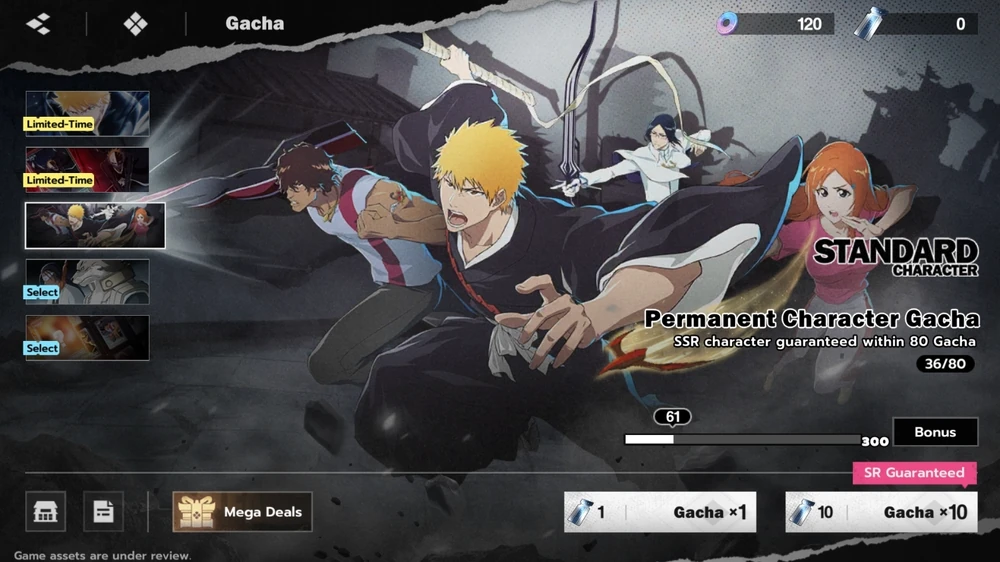 Use Tickets on Permanent Banner (50 Pity)
Ideal Reroll Outcome:



Verdict: If you get Ichigo (Bankai) early and pull Kisuke Urahara from the permanent banner (or 50-pull pity), you have a perfect start. Keep this account!
CRITICAL RULE
Always spend your Jades (Premium Currency) on the PROMOTIONAL BANNER. Never spend Jades on the Permanent Banner.